Playto Lite
A downloadable tool for Windows
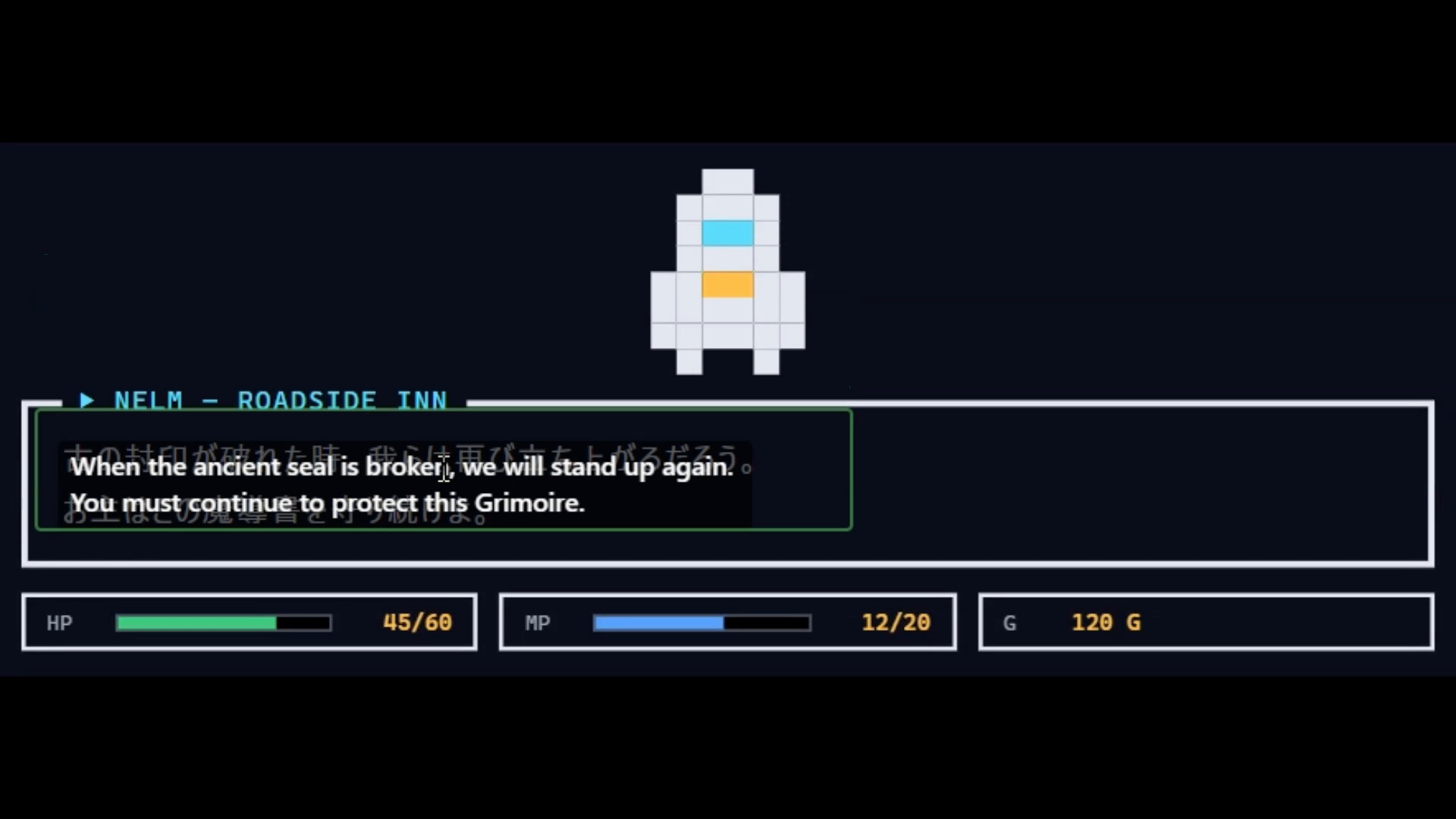
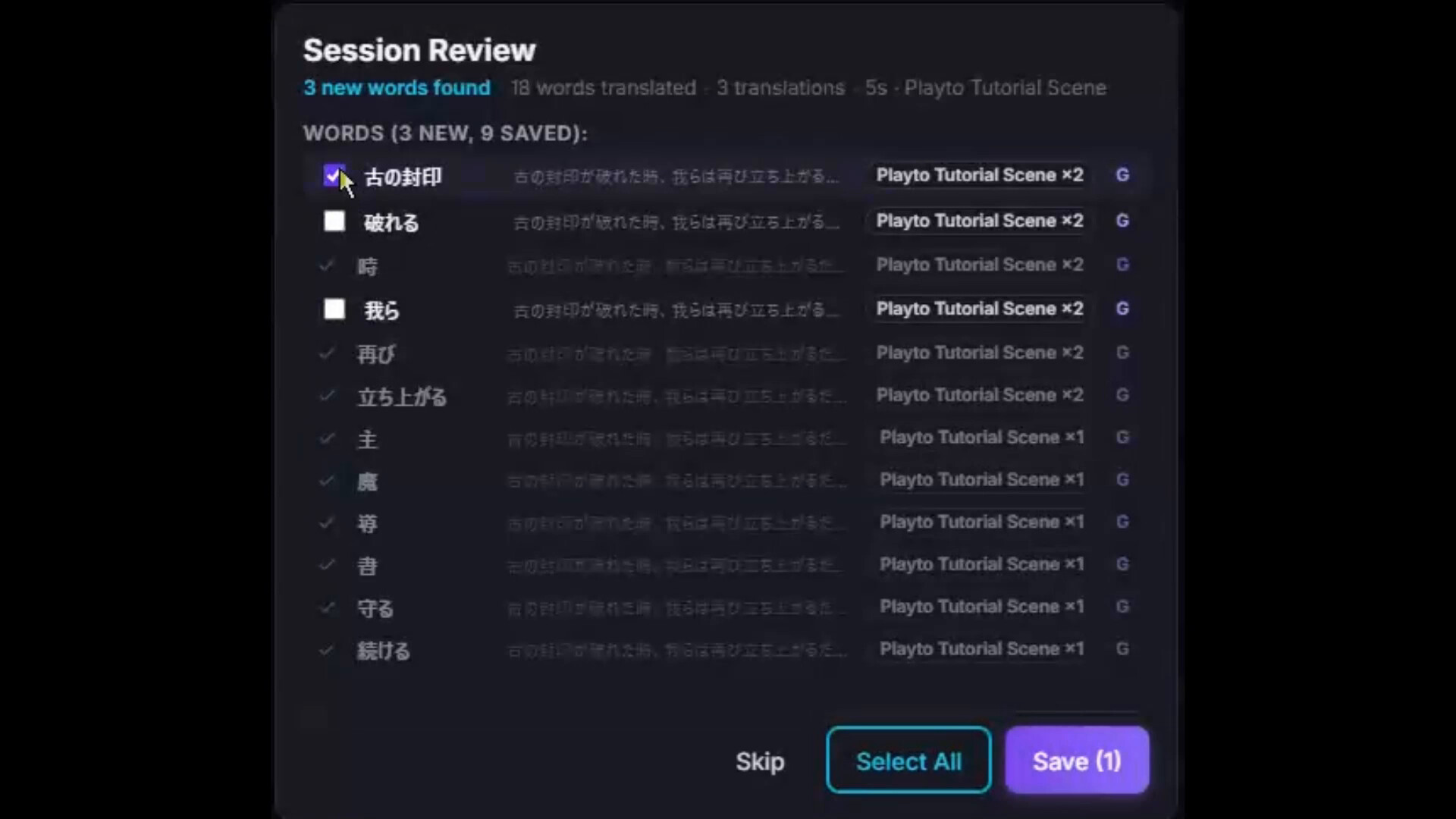
Learn languages through the games you love. Playto reads your game's on-screen text with local AI, overlays the meaning, and logs everything. After each session, pick the words that caught your eye — your dictionary grows as you play.
This is Playto Lite, the free edition: the full learning loop (read → log → save → review) with some limits. The full version is on Steam.

What you can do in Lite
- Real-time translation — set a region and Playto reads it continuously, without pausing the game
- Automatic log — everything you read is recorded, look back anytime
- Word Book — save up to 100 words / 50 sentences, chosen by you, not an AI dump
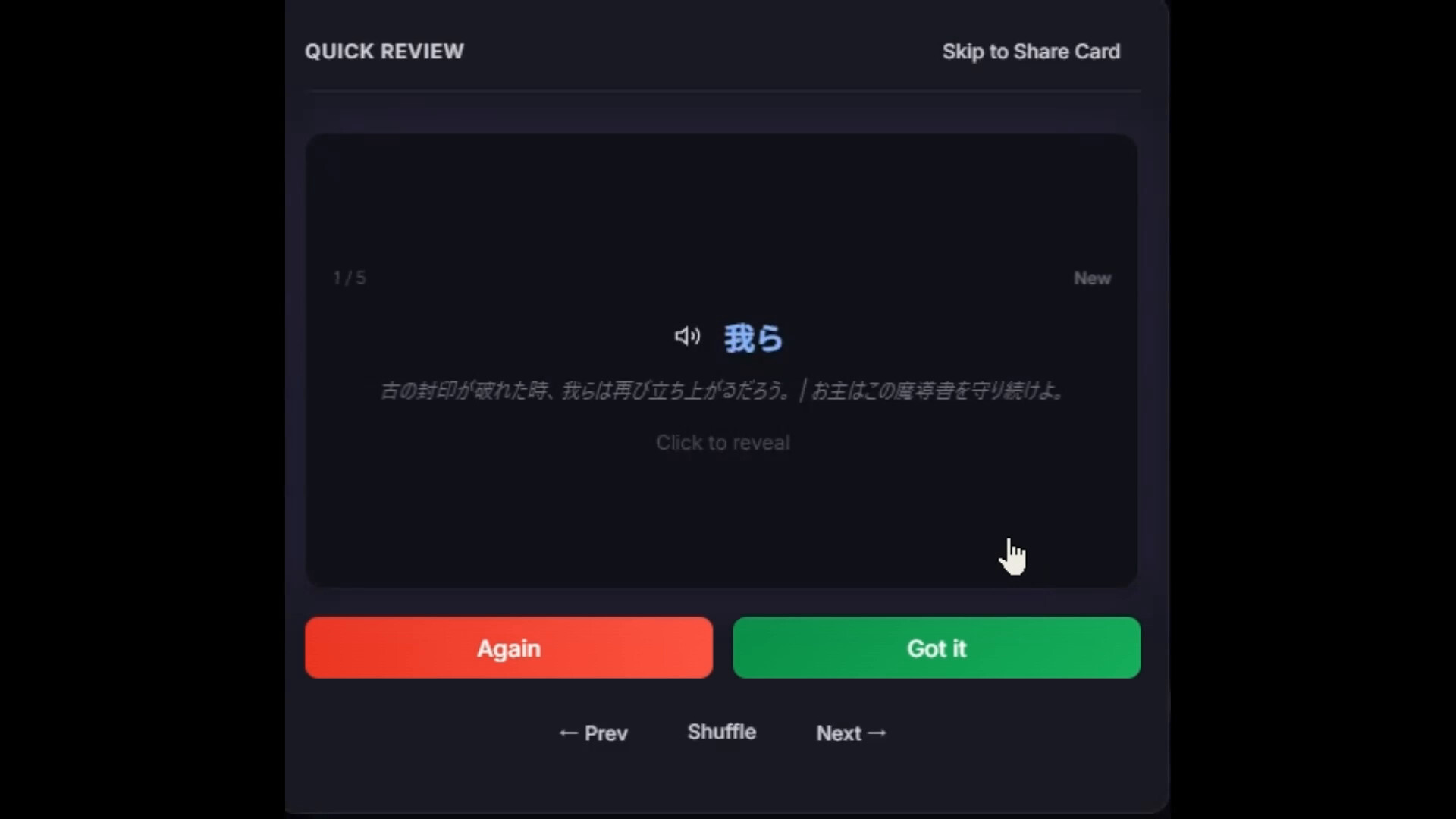
- Flashcards + SRS — spaced-repetition review of what you saved
- Text-to-speech — hear captured sentences read aloud
- 12 languages, fully offline — EN, JA, ZH, KO, DE, FR, ES, PT, RU, IT, PL, VI
There's a simplified demo about halfway down the page at playto.dev.
Translation accuracy, honestly
Game text is hard for AI — tone and story context don't reach it. Word meanings are dictionary-reliable; long sentences give you the gist. Lite is the best way to judge this on your own games.
Unlocked in the full version
- Quick Translate — start translating any app in two clicks, browsers included
- Cursor-follow mode — translate wherever you point: menus, UI, item tooltips
- Vision Mode — AI reads decorative fonts ordinary OCR can't
- 8 quiz modes — Multiple Choice, Dictation, Context Quiz and more
- Per-game glossary — teach it character names and terms
- Unlimited Word Book + Album
Get the full version on Steam →
Before you start
- Windows 10/11, 64-bit. GPU optional — Text mode runs on CPU; local AI wants ~2–4 GB VRAM on top of your game
- First launch downloads AI models (2–5 GB, one time)
- If Windows shows a SmartScreen warning: More info → Run anyway
- Translation for browsers is currently supported only in QuickTranslate mode.
Support & community
Bug reports and questions: Discord — fastest. Privacy: everything runs locally (playto.dev/privacy). More: playto.dev
Download
Install instructions
Windows 10/11 (64-bit) only.
- Download and unzip the archive anywhere you like. There is no installer — Playto runs from the folder.
- Run playto.exe.
- If Windows SmartScreen shows "Windows protected your PC", click More info → Run anyway. (The app is not yet code-signed.)
- On first launch, Playto downloads its translation and OCR models (~1 GB), so keep an internet connection for the initial setup. After that it runs locally.
- If the app doesn't open, install the <a href="https://developer.microsoft.com/microsoft-edge/webview2/">Microsoft WebView2 Runtime</a> (usually already present on Windows 10/11).
This is a free demo. The full version is on Steam.
Leave a comment
Log in with itch.io to leave a comment.